PDF Notes AIstudy smarter from every PDF
Use PDF Notes AI to upload a PDF and generate structured AI study notes, summaries, flashcards, quiz questions, answer keys, and page references in seconds.
- No signup to preview
- Files can be auto-deleted
- Every answer cites its page
Built for exam-focused students
Output mode
Detail
Or paste text instead
Text PDF · processed only to generate your study pack
Sample output
Sample: Cell Biology Chapter
This preview shows how PDF Notes AI turns a dense reading into exam-ready study material with cited pages.
Cell membranes control transport
p.1p.2- The phospholipid bilayer separates the cell from its environment.
- Transport proteins help polar molecules and ions cross the membrane.
- Selective permeability lets cells maintain stable internal conditions.
Energy conversion depends on organelles
p.3- Mitochondria convert chemical energy into ATP through respiration.
- Chloroplasts capture light energy in plant cells.
- Both organelles contain internal membranes that increase reaction surface area.
Markdown preview download unlocks after generation. PDF, DOCX, cloud history, OCR, and long PDFs are paid hooks for the first launch.See pricing
PDF Notes AI study workflow
One PDF becomes the study stack students actually need.
PDF Notes AI is intentionally narrow: extract text, keep page references, generate useful study material, and gate expensive workflows behind signup or payment.
Text PDF extraction
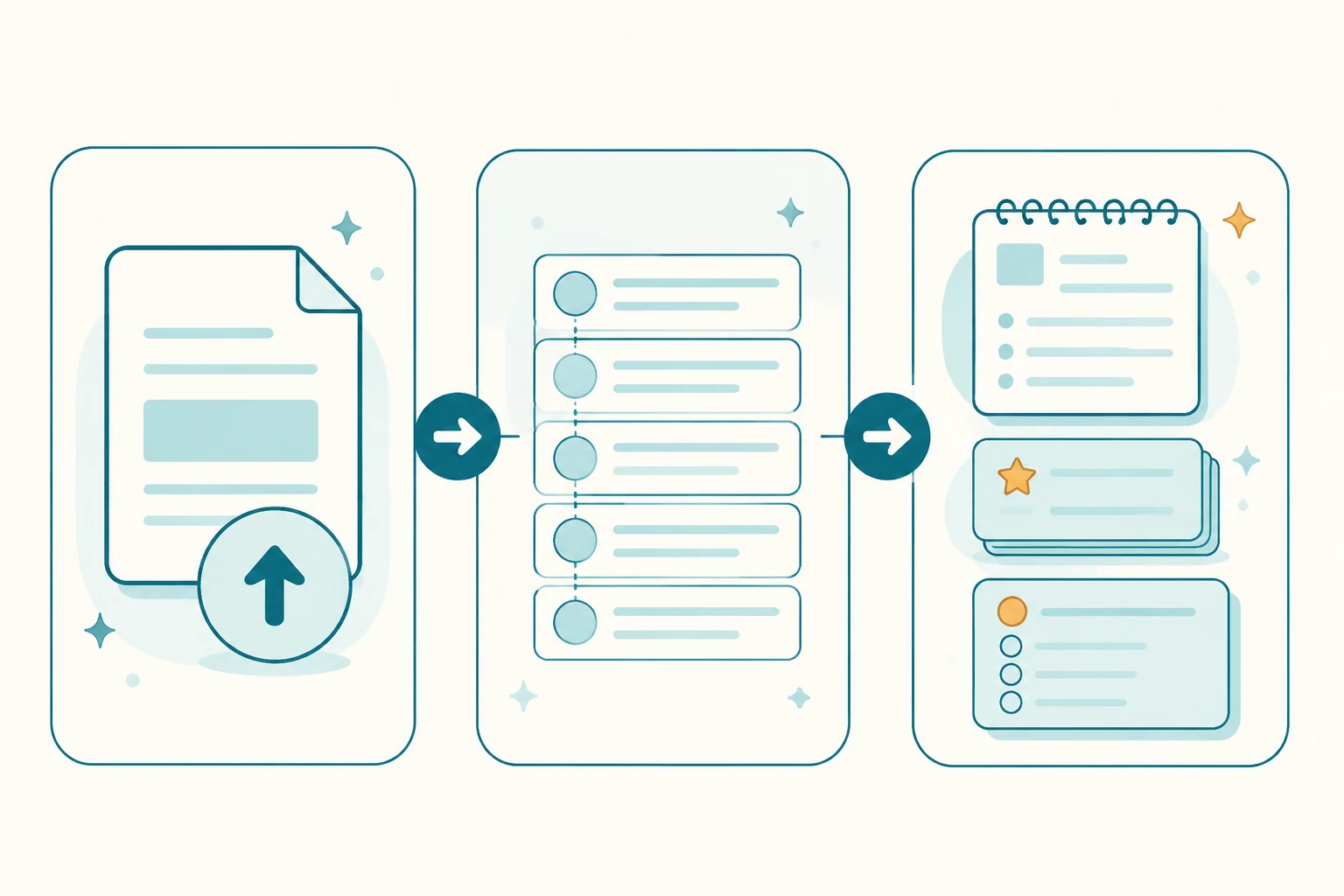
PDF Notes AI parses one text-based PDF up to 10 pages or 5 MB for the no-signup preview, with pasted text as a fallback.
Structured study notes
PDF Notes AI turns chapters, slides, papers, and handouts into headings, bullets, summaries, and key points.
Flashcards from source material
PDF Notes AI generates recall cards tied to concepts from the uploaded document instead of generic memorization prompts.
Quiz questions and answer keys
PDF Notes AI creates multiple-choice and short-answer questions with explanations for exam prep.
Page references
PDF Notes AI keeps source page chips visible so users can verify where each note, card, or answer came from.
Paid hooks without fake promises
PDF Notes AI shows advanced exports, cloud history, OCR, long PDFs, and large question sets as upgrade paths, not fake free promises.
PDF Notes AI guide
How PDF Notes AI turns a PDF into study material users can review, verify, and deliver.
The PDF Notes AI homepage needs enough visible content to explain the product boundary clearly. PDF Notes AI is not just a generic PDF summarizer and it is not an unlimited free quiz generator. The core workflow is to process text-based PDFs, generate study notes, summaries, flashcards, quiz questions, answer keys, and page references, then keep long PDFs, OCR, cloud history, PDF/DOCX exports, and teacher workflows as paid upgrades.
PDF Notes AI starts with text-based PDFs
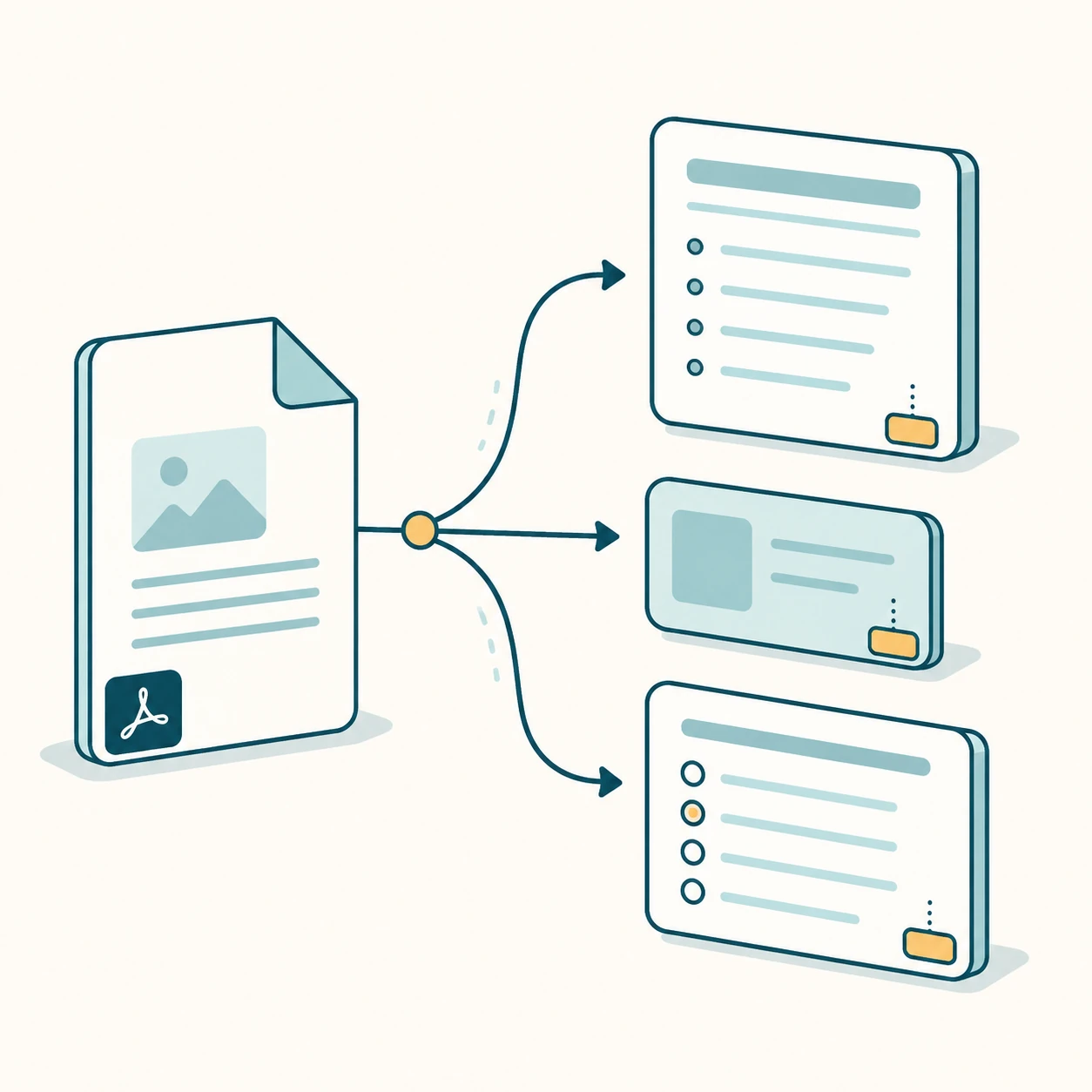
PDF Notes AI free preview is designed for selectable-text PDFs such as lecture handouts, textbook chapters, research excerpts, training documents, and class notes. After upload, PDF Notes AI extracts text by page and sends the page-marked source into the generator. Scanned images, protected files, and unusual layouts need OCR or heavier parsing, so they belong in paid workflows.
PDF Notes AI creates structured notes
PDF Notes AI does more than produce one short summary paragraph. It turns readings into headings, bullets, key points, and concise summaries. Students can understand the material first, then use flashcards and questions for active recall. That makes PDF Notes AI feel like a study workspace instead of a basic summarizer.
PDF Notes AI generates questions and answer keys
PDF Notes AI creates multiple-choice questions, short-answer questions, answers, and explanations from the uploaded source. The goal is not maximum volume; the goal is a reliable set of questions that reveals weak spots. Later PDF Notes AI workflows can add difficulty controls, Google Forms, Anki, Quizlet, DOCX, and teacher exports.
PDF Notes AI keeps page references visible
PDF Notes AI uses source page chips so notes, flashcards, and quiz answers can be checked against the original document. For a learning product, verifiable source pages matter more than long generic output. Students need to know why an answer is trustworthy, and teachers need to see whether a question came from the correct section.
How PDF Notes AI delivers results today
PDF Notes AI free preview shows the generated output directly on the page across notes, cards, quiz, and guide views. After generation, users can copy the content or download a Markdown preview. PDF, DOCX, OCR, cloud history, long PDFs, and batch exports are visible paid hooks rather than fake free promises.
PDF Notes AI free limits
PDF Notes AI free preview accepts one text-based PDF up to 10 pages or 5 MB, or pasted text up to 45,000 characters. These limits protect model cost and waiting time. If the source is too short, too large, or not extractable, PDF Notes AI should explain the issue before wasting a model call.
PDF Notes AI for students
PDF Notes AI is useful for exam preparation, class readings, chapter review, and homework support. A student can upload one chapter, get structured notes, memorize flashcards, and answer quiz questions from the same source. PDF Notes AI moves the user from passive reading into practice faster.
PDF Notes AI for teachers and tutors
PDF Notes AI can help teachers and tutors create a first draft of questions from handouts. The teacher still reviews and edits the output, but PDF Notes AI provides answers, explanations, and source pages quickly. Future paid workflows can support DOCX, Google Forms, classroom sharing, and larger question banks.
How PDF Notes AI reduces hallucination risk
PDF Notes AI prompts the model to use extracted source text and omit unsupported concepts. The interface also keeps page chips, explanations, and Markdown output available for review. PDF Notes AI does not ask users to blindly trust AI output; it gives them a path back to the source.
PDF Notes AI upgrade path
PDF Notes AI free preview proves output quality, while paid plans cover costly and reusable workflows. Long PDFs, OCR, saved history, PDF/DOCX export, Anki, Quizlet, Google Forms, and more questions all use more resources. Clear limits make the free product credible and make upgrades easier to understand.
Pricing
Start free. Upgrade only when exams get serious.
The no-signup preview proves output quality on a real PDF. Paid plans unlock long PDFs, full exports, OCR, and saved history — billed monthly or yearly.
Free
Test PDF Notes AI on one real PDF with no account.
- 1 PDF per day, no signup
- Up to 10 pages or 5 MB
- Notes, 5 flashcards, 5 quiz questions
- Page citations + Markdown copy
Starter
For students turning weekly readings into notes, cards, and quizzes.
- 100 PDFs per month
- 50 pages per PDF
- Markdown and PDF export
- Saved generation history
- Full notes, flashcards, quiz
Pro
For heavy coursework, scanned PDFs, full exports, and saved history.
- 500 PDFs per month
- 200 pages per PDF
- OCR quota for scanned PDFs
- DOCX, Anki, Quizlet, Forms exports
- Cloud history + difficulty controls
Exam Pass
Full access for one 30-day exam window, no subscription to cancel.
- 30 days of full access
- Starter limits for exam season
- Markdown and PDF export
- No subscription renewal
Every plan keeps page citations and honest limits.
- No card needed for the free preview
- Cancel anytime
- Uploaded files can be auto-deleted
PDF Notes AI frequently asked questions
The launch scope is intentionally honest about what works now and what is paid or later.
PDF Notes AI turns the next PDF into an exam-ready study pack.
Start with a PDF Notes AI free preview, then upgrade when you need full exports, long PDFs, OCR, or cloud history.