pdf to notes
Convert source material into study output, not generic AI filler.
PDF to notes intent is broader than a short summary. Students want a reading transformed into something they can review, test, export, and trust. This page focuses on turning a PDF into structured study notes with source pages.
Best fit documents
The workflow works best for lecture slides, textbook chapters, professor handouts, public reports, and research papers with selectable text. For scanned files, OCR should be treated as a paid workflow because it has higher cost and more failure modes.
Study notes structure
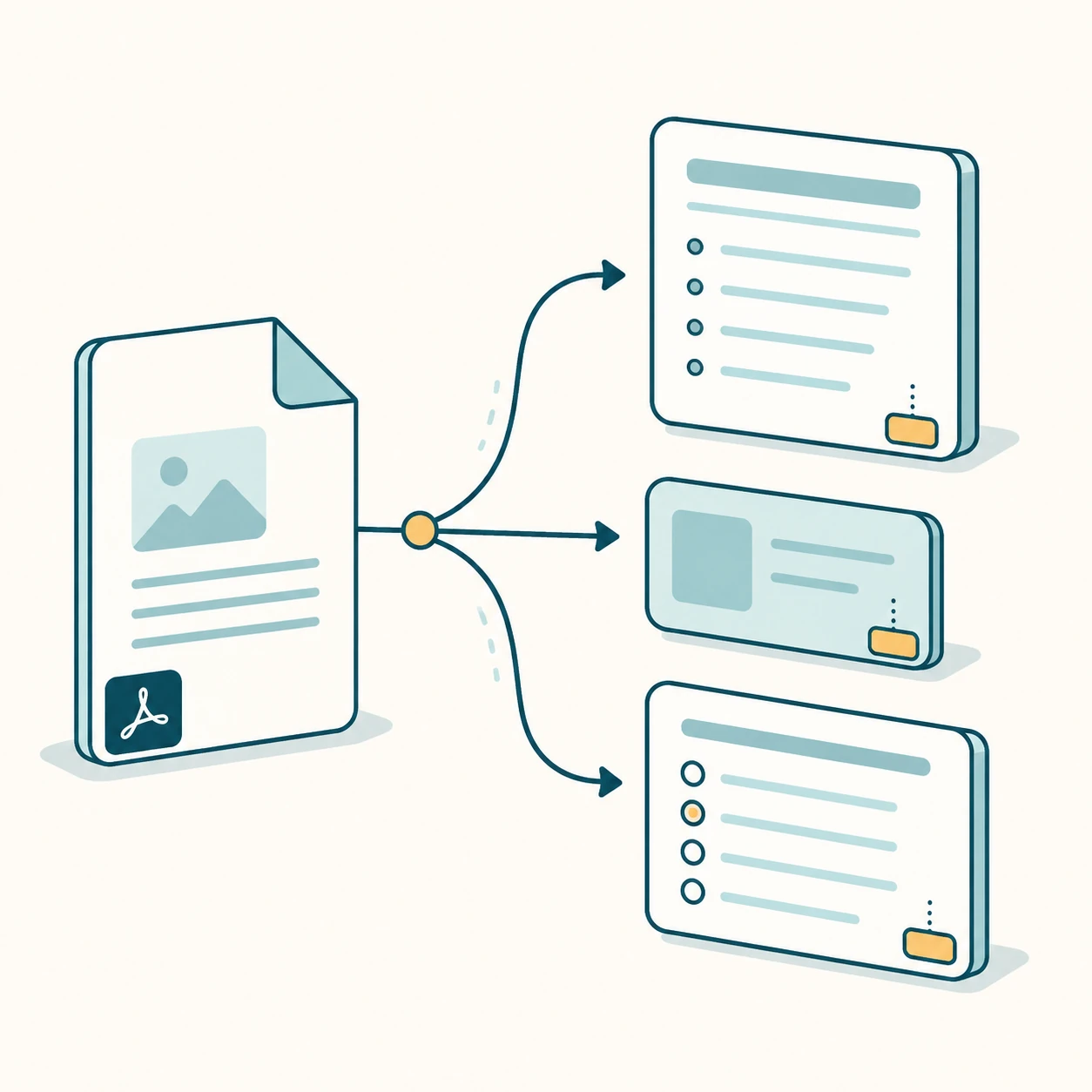
Generated notes are split into headings and bullets instead of one long paragraph. The output also includes key points, summary, flashcards, and quiz questions so the user can move from reading to active recall.
Citations and trust
Source pages are part of the output schema. The interface shows page chips beside notes, flashcards, and questions so users can confirm that the generated answer came from the uploaded PDF.
Free preview boundary
The preview should feel useful without implying unlimited processing. Short documents prove the workflow, while OCR, long readings, saved history, batch work, and exports belong in paid flows. Clear limits protect model cost and make the upgrade path easier to understand.
Internal study tools
Each page targets one keyword group and links to sibling workflows so Google can understand the PDF-to-study-output cluster.
FAQ
Does PDF to notes work without signup?
Yes, short text-based PDFs can be previewed without signup. Exports and history require an account or paid plan.
Does it keep the original PDF layout?
No. The MVP extracts text and uses page numbers; it does not reproduce the visual layout of the PDF.
Start with the live generator above.
The free preview is intentionally limited, but generated notes, cards, questions, answer keys, and source page chips use the same structured output shape as paid workflows.
View paid export options