free pdf to notes
Convert source material into study output, not generic AI filler.
Use the free PDF to notes preview when you need a fast first pass over lecture slides, a textbook chapter, a handout, or a research PDF. The goal is not unlimited free processing; the goal is to prove that one upload can become usable study notes with page references.
What the free preview includes
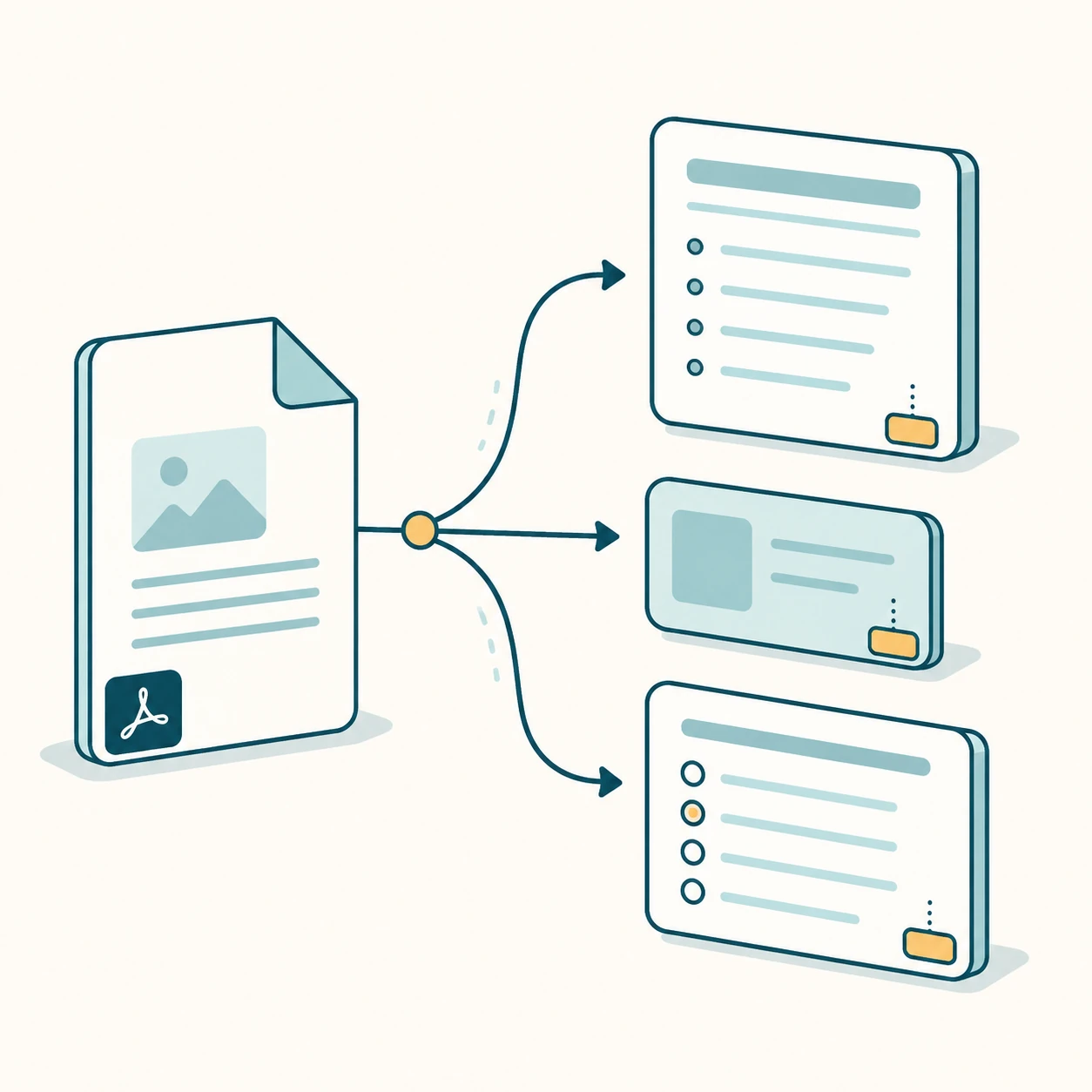
The free preview accepts one text-based PDF up to 10 pages or 5 MB. It extracts text by page, then generates structured notes, a short summary, key points, flashcards, quiz questions, and an answer key. Page references stay visible so students can verify the source before trusting the output.
Why it is not just a PDF summarizer
A generic summarizer produces a short paragraph and stops. PDF Notes AI is built around the full study workflow: notes for understanding, flashcards for recall, quiz questions for testing, and answer keys for correction.
When to upgrade
Upgrade when you need long PDFs, cloud history, Markdown or PDF export, OCR for scanned PDFs, or more flashcards and quiz questions. These are the expensive and reusable parts of the workflow, so they are clear paid hooks.
How to judge the preview
A good result should be easy to scan and easy to verify. The notes should name the main ideas, the flashcards should test recall instead of copying sentences, and the questions should point back to source pages. If the upload is too short, scanned, protected, or missing context, the interface should explain the limit before wasting a model call.
Internal study tools
Each page targets one keyword group and links to sibling workflows so Google can understand the PDF-to-study-output cluster.
FAQ
Is the free preview unlimited?
No. The free preview is intentionally limited to one short text-based PDF so the product stays sustainable.
Can I paste text instead of uploading a PDF?
Yes. The tool accepts pasted text as a fallback when PDF extraction fails.
Start with the live generator above.
The free preview is intentionally limited, but generated notes, cards, questions, answer keys, and source page chips use the same structured output shape as paid workflows.
View paid export options