text to questions
Convert source material into study output, not generic AI filler.
Text to questions is the fallback workflow for users who do not have a PDF or whose PDF extraction fails. It keeps the same study-output promise while removing file parsing from the path.
Why include pasted text
PDF extraction can fail on protected, scanned, or unusual files. A paste box lets the user still test the generation workflow and keeps the MVP useful before OCR is implemented.
Best uses
Paste lecture notes, textbook passages, copied article text, or study guides. The preview limit keeps the tool fast and avoids turning the free tier into unlimited generation.
Same output structure
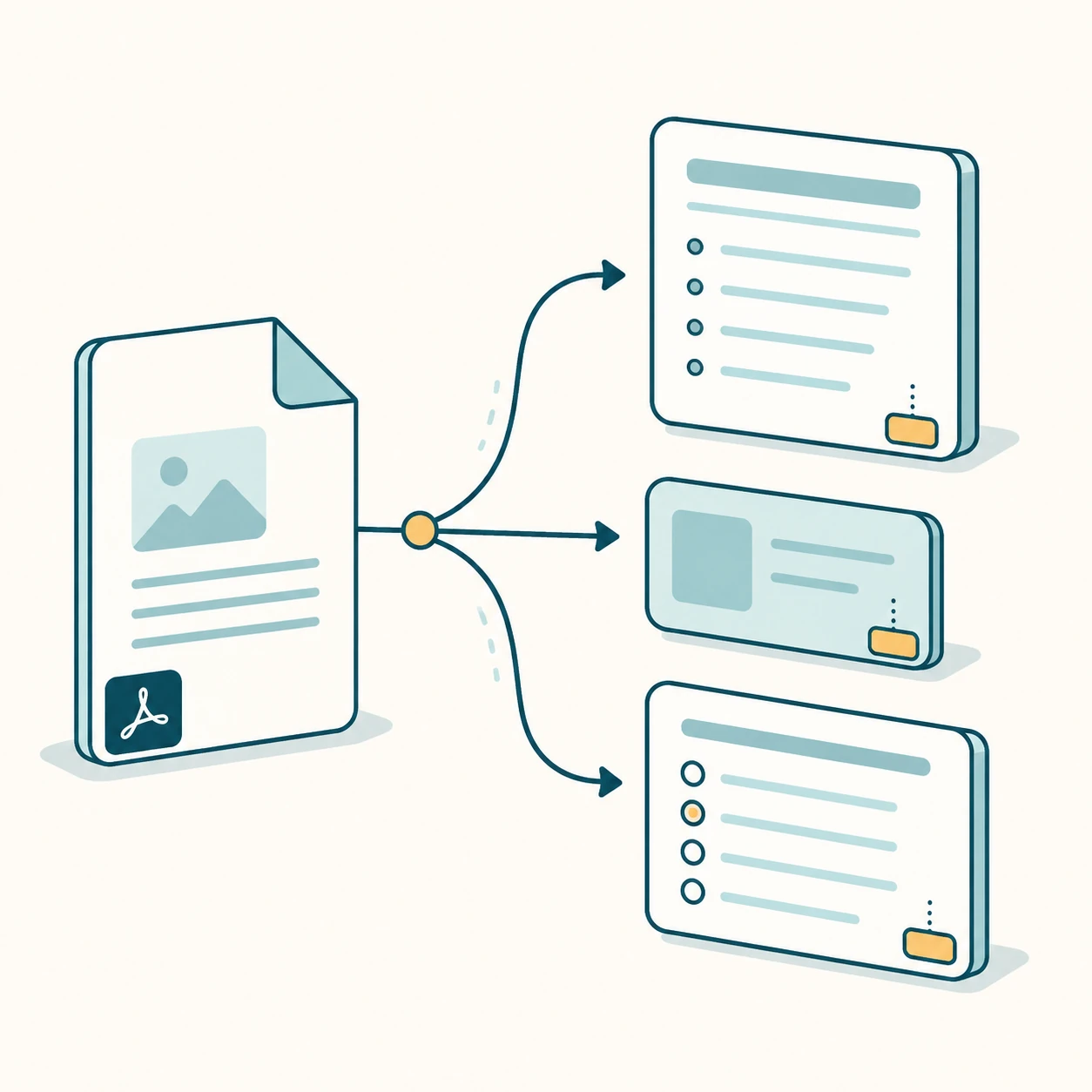
Pasted text still produces notes, flashcards, quiz questions, answer keys, and a study guide. Since pasted text has no real pages, the source page defaults to page 1.
Input limits
The paste workflow should reject very short text before calling the model and explain the free character limit before submission. That keeps edge cases graceful: users know whether to paste more source material, shorten a long passage, or switch back to the PDF upload path.
Internal study tools
Each page targets one keyword group and links to sibling workflows so Google can understand the PDF-to-study-output cluster.
FAQ
How much text can I paste?
The free preview accepts up to 45,000 characters.
Is this separate from PDF Notes AI?
No. It is the fallback input mode for the same study-output generator.
Start with the live generator above.
The free preview is intentionally limited, but generated notes, cards, questions, answer keys, and source page chips use the same structured output shape as paid workflows.
View paid export options