free pdf to quiz
Convert source material into study output, not generic AI filler.
Free PDF to quiz is an acquisition page for students who need practice questions quickly. The free PDF to quiz version should show enough quality to earn trust while keeping high-volume exports and long documents paid.
What the quiz preview gives you
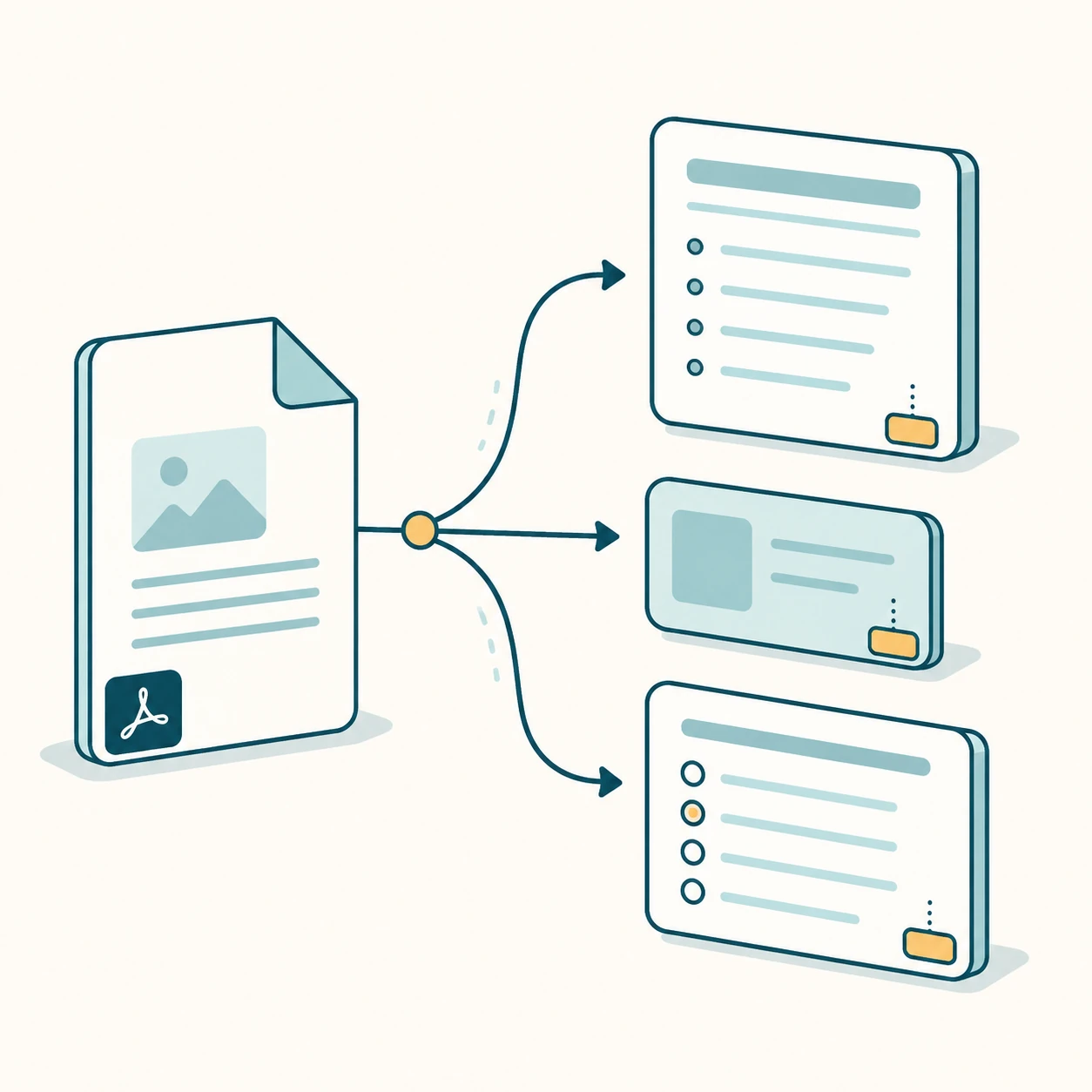
The preview turns a short text-based PDF into a small set of quiz questions with answer keys and explanations. It also includes notes and flashcards because most students need both understanding and recall practice.
Why source pages matter
Quiz questions are only useful if users can verify them. Page references help students go back to the source material and check context before memorizing an answer.
Upgrade path
Paid plans unlock more questions, longer PDFs, cloud quiz history, and exports. Google Forms and classroom sharing are teacher-oriented extensions after the core PDF quiz flow works.
Good free-tier documents
The best test files are clean, short, and text-based: a lecture handout, a chapter excerpt, a review sheet, or a training guide. If the document is scanned, encrypted, too long, or too large, the product should give a direct limit message rather than leaving the user with a vague failure.
Internal study tools
Each page targets one keyword group and links to sibling workflows so Google can understand the PDF-to-study-output cluster.
FAQ
Can I use this for a whole textbook?
Not in the free preview. Long PDFs are paid because they use more model and parsing resources.
Does it create multiple-choice questions?
Yes. The MVP generates multiple-choice and short-answer questions when the source text supports them.
Start with the live generator above.
The free preview is intentionally limited, but generated notes, cards, questions, answer keys, and source page chips use the same structured output shape as paid workflows.
View paid export options