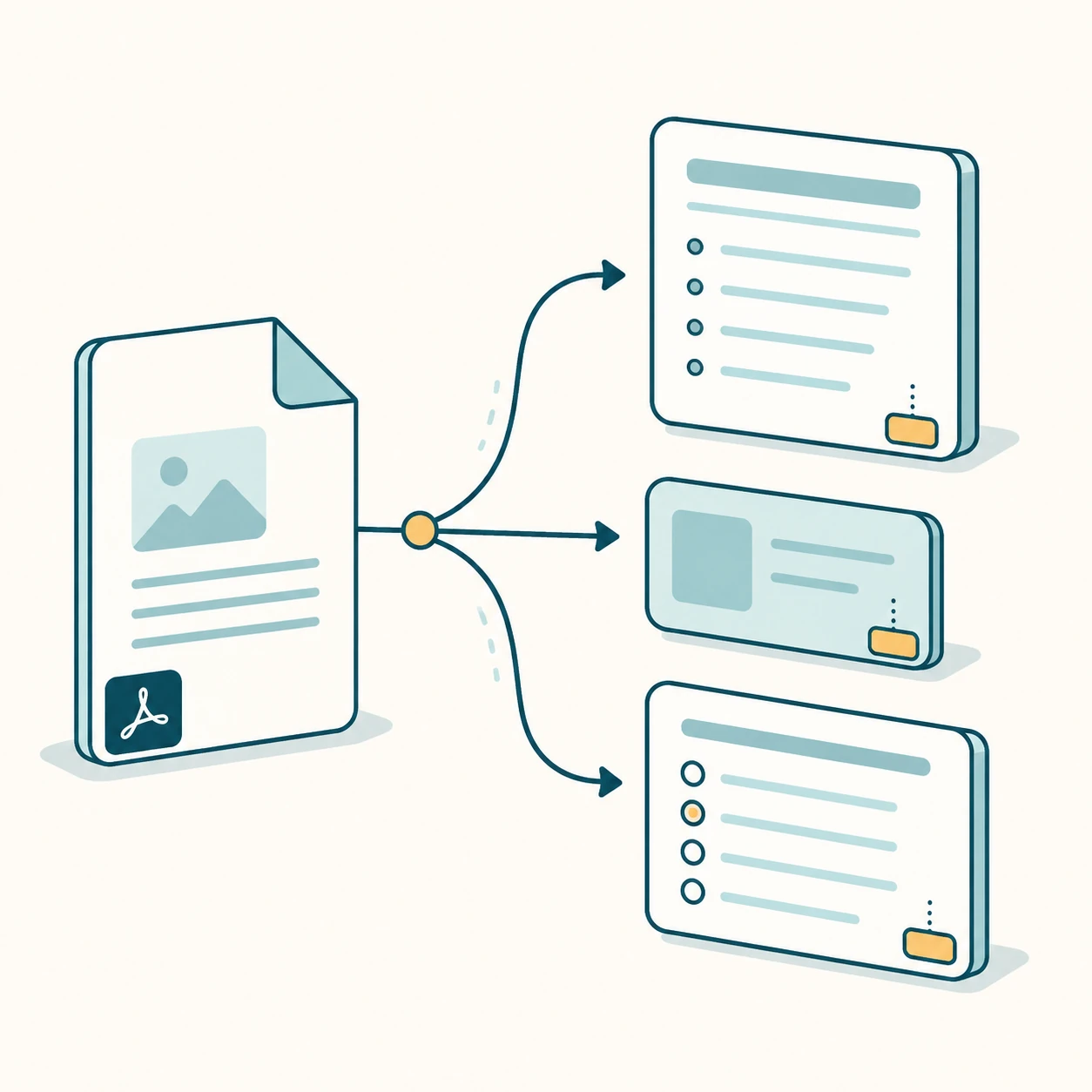
pdf to questions
Convert source material into study output, not generic AI filler.
PDF to questions is one of the strongest study intents because it maps directly to exam preparation. The user already has source material and wants questions that reveal what they do and do not understand, so PDF to questions needs answers, explanations, and page references.
Question types
The MVP generates multiple-choice and short-answer questions. Each question includes an answer, explanation, and source pages. This makes the output useful for students and teachers without pretending to support every classroom export format on day one.
How it uses the PDF
Text is extracted before generation, then passed to the model with page markers. The prompt asks for questions based only on the source text, which reduces generic quiz output and supports citation chips.
Paid hooks for serious use
Teachers and heavy users need more questions, DOCX export, Google Forms export, answer sheets, and saved sets. Those are paid or later features because they create reusable classroom assets.
Quality signals
The output is only useful when the question, answer, explanation, and cited page agree with each other. The first version should favor a smaller set of reliable questions over a long list of generic prompts. That makes it easier for students to trust the preview and easier for teachers to edit the result.
Internal study tools
Each page targets one keyword group and links to sibling workflows so Google can understand the PDF-to-study-output cluster.
FAQ
Can it make answer keys?
Yes. The preview includes answers and explanations; reusable exports are paid hooks.
Can I choose difficulty?
The first MVP uses detail level as a simple control. Difficulty-specific regeneration is a later feature.
Start with the live generator above.
The free preview is intentionally limited, but generated notes, cards, questions, answer keys, and source page chips use the same structured output shape as paid workflows.
View paid export options